Master Histogram
The histogram is your image's truth-teller — a luminance map that reveals what your eyes miss. Learning to read it turns guesswork into informed decisions.
Read the full guide: Master HistogramWelcome to the ultimate browser-based editor ecosystem. We provide the tools you need to edit photos online without uploading to server databases. Convert formats, compress sizes, extract colors, and inspect 3D models securely. Professional results, 100% private, zero registration needed.
Discover our most powerful, fully local processing utilities designed for professionals and beginners alike. Experience true freedom with our no upload editor.
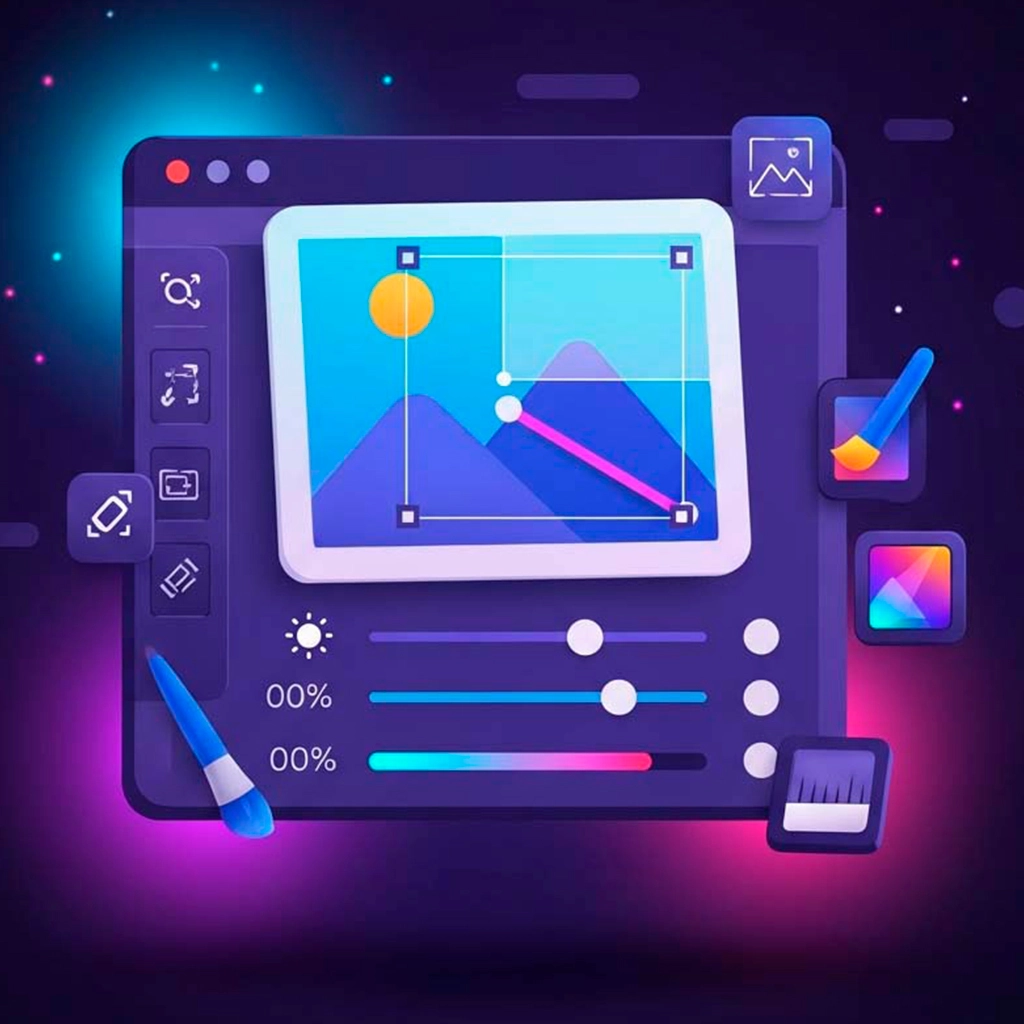
Experience a free online photo editor no upload required. Enjoy professional editing with over 20 tools. You can apply cinematic filters to photos online, achieve precise color adjustments, and draw on photos online browser with vector shapes. Benefit from text overlays and a professional photo editor with layers online for non-destructive editing. 100% local processing using WebGL technology lets you edit photos in browser without installing software.
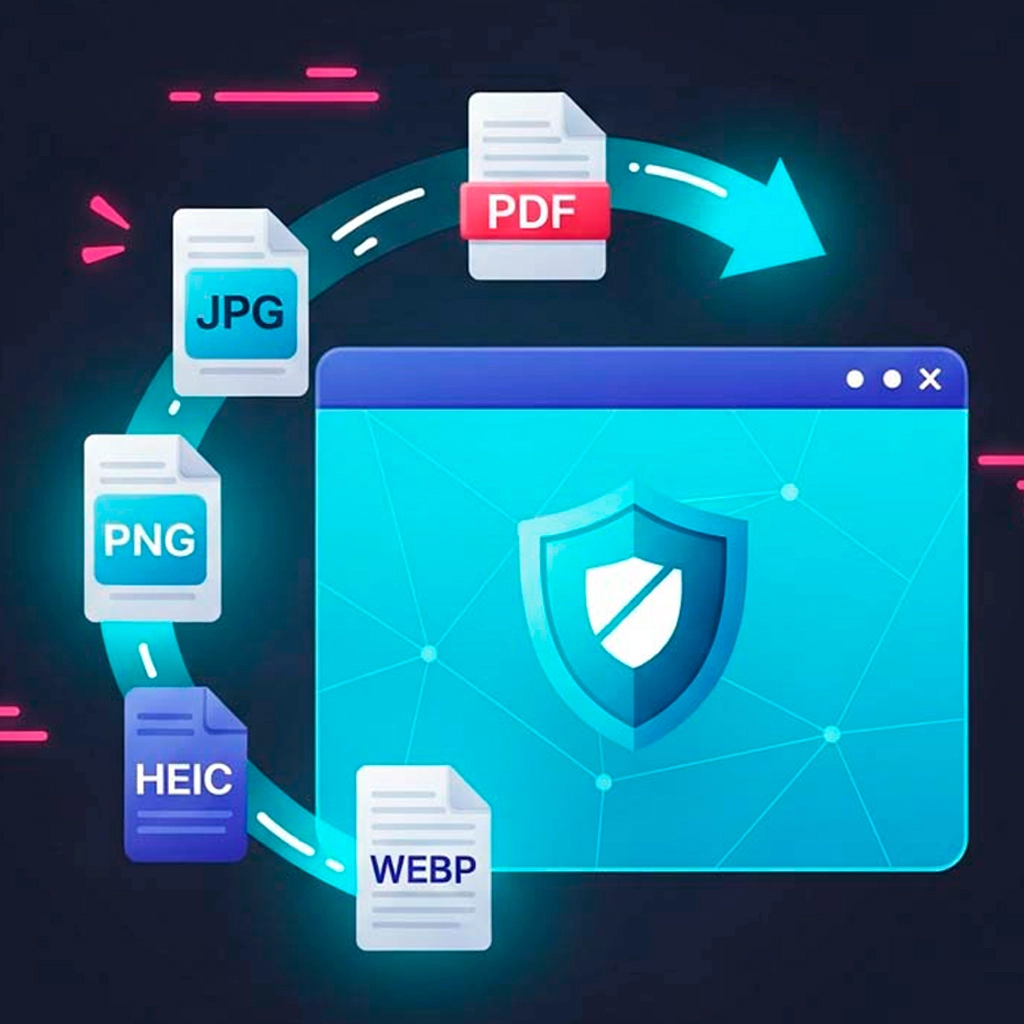
Safely convert PDF, HEIC, AVIF, WEBP, SVG, Base64, and 30+ formats. Features batch processing, EXIF metadata removal, precision quality sliders, and ZIP archive downloads. 100% local, no server uploads.
Compress images without losing quality online using our intelligent metadata stripping and visual lossless algorithms. Drastically reduce JPG, PNG, and WEBP file sizes for faster website loading times.
Looking for an ai background remover no upload required? Instantly isolate subjects using local AI neural networks. Handles hair, fur & complex edges. Replace with solid colors or use it as a transparent background maker online to create perfect transparent PNGs. 100% private, no uploads, and you can remove background from image free no watermark.
We engineered a frictionless workflow so you can focus on creativity, not technical hurdles. Here is the step-by-step process of using our private image editor.
Select from our comprehensive ecosystem. Whether you need to compress, convert, or deeply edit photos online.
Select images from your device. Everything stays in your browser memory—no slow uploads to external servers.
Use your device's power to instantly apply filters, remove backgrounds, or convert file formats securely.
Save the finalized high-quality files directly to your hard drive, either individually or packed in a ZIP.
Because our tools are powerful, free, and completely private, a wide variety of professionals rely on our browser-based editor daily to streamline their visual tasks.
We support an extensive range of file formats, ensuring you don't need a dozen different desktop programs. Everything works universally inside your browser.
When you look for tools to edit photos online without uploading to server databases, you usually end up with freemium services that silently collect your data. We are entirely different.
By leveraging cutting-edge web technologies like WebGL, the HTML5 Canvas API, and WebAssembly (WASM), our platform transforms your browser into a standalone software application. This means every pixel adjustment, every file conversion, and every background removal process happens exactly where you sit—on your own CPU and GPU.
Your files literally never leave your device. We do not have access to your personal family photos, your confidential company PDFs, or your unreleased 3D CAD models. There are no registration forms, no email lists, and no artificial paywalls. Our commitment is to provide a professional-grade, no upload editor that respects your privacy above all else.
Quick, single-purpose utilities to streamline your digital asset workflow.
Enlarge and resize fast. An excellent way to compress images without losing quality online.
Open Tool →Crop photos to exact pixels, aspect ratios & custom shapes. Perfect for social media.
Open Tool →Add stylish, professional borders to photos for Instagram, YouTube, and TikTok. A perfect photo border editor no watermark.
Open Tool →Create sparkling glitter text with gold, silver, holographic & animated GIF effects. Perfect for social media.
Open Tool →Create animated GIFs from images or MP4 videos. Features timeline editing, dithering control, and zero watermarks.
Open Tool →Extract HEX/RGB/HSL/CMYK/LAB codes, build palettes & export CSS. Perfect color picker with hex code online and WCAG contrast checker online free included.
Open Tool →Inspect STL, OBJ, GLB, FBX, PLY & 3MF models with WebGL. AR mode, mesh analysis & 3D printing tools. 100% offline.
Open Tool →A multi-threaded bulk 3D format converter. Process dozens of CAD assets locally.
Open Tool →Discover how to implement our tools in real daily situations for maximum productivity.
Building an audience online requires consistent, high-quality visual output. You can easily crop photos for instagram youtube tiktok in seconds. Use the Frame Editor to add professional borders in 1:1 format (square) for Instagram posts, or 16:9 for YouTube thumbnails. With the Main Editor, you can apply cinematic filters to create mood, adjust brightness contrast saturation online with millimeter precision, add text to photos online free for promotions, or draw custom shapes. The rgb histogram photo editor online feature ensures perfect tonal balance. Need the perfect dimensions before adding frames? Use our Image Cropper with one-click presets for Instagram (1080x1080), YouTube thumbnails (1280x720), and TikTok (1080x1920), or crop to exact pixels for any custom requirement. All processed locally with zero uploads. Want to make your posts sparkle? Use our Glitter Text Generator to create animated glitter titles with gold, silver, or holographic effects, perfect for glitter text for instagram posts, glitter text for youtube thumbnails, and glitter text for tiktok videos. Export as animated GIF or PNG with transparent background for maximum visual impact, ensuring you have the best glitter text for social media and glitter text for stories and reels.
Stop using boring static text in your social media posts. Our glitter text generator online free lets you create eye-catching sparkling titles for Instagram, YouTube, and TikTok in seconds. Choose from 15+ glitter styles including Solid Gold for luxury aesthetics (functioning as a gold glitter text generator free and rose gold glitter text generator), Holographic for futuristic vibes with our holographic text generator online, or Galaxy for dreamy cosmic effects via our galaxy text effect online free. Need a sleek metallic look? Try our silver glitter text maker online. Need branded content? Use platform-specific particle shapes (YouTube, Instagram, TikTok icons) to create instantly recognizable thumbnails and story covers. Export as an animated sparkle text gif free for maximum engagement, or as a glitter text transparent background png to apply glitter overlay text on images or videos. Perfect for influencers, content creators, and digital marketers who want their posts to stand out in crowded feeds. Enjoy a glitter text no watermark free experience, where all processing happens locally in your browser with zero uploads.
Stop guessing the right dimensions for every platform. Our social media image cropper online comes with built-in presets for Instagram, YouTube, TikTok, Facebook, X/Twitter, and LinkedIn, so your images are always perfectly sized. Whether you need an instagram post size cropper 1080x1080, a crop image for instagram 1:1 square, a crop photo for youtube thumbnail 16:9, or a crop image for tiktok 9:16, we have you covered. Need a circular crop for profile picture online for Discord, Slack, or GitHub? Use the circle shape mask to crop image to circle transparent background. Creating stickers or creative graphics? Try the star shape crop online free, heart shape crop transparent png, moon, or hexagon masks. You can batch crop images online free—process an entire folder of photos with the same settings and download everything in a convenient ZIP archive. All processing happens locally in your browser with zero uploads, making it a completely secure image cropper no watermark free tool.
Transform your photos with professional-grade editing tools directly in your browser. Apply cinematic filters to create mood and atmosphere—try our vintage filter photo editor online or the dramatic black and white photo editor online presets. Fine-tune colors with millimeter precision using the RGB histogram, or add text overlays and vector shapes for memes, watermarks, and social media graphics. The non-destructive photo editing online layer system lets you experiment freely, and you can save your project as JSON to continue editing later. All processing happens locally with absolute privacy.
Need to send a signed contract, scan documents, or compile design work? Use our dedicated converters to merge multiple photos into a single, professional PDF document. For receipts, invoices, and contracts, convert JPG images to PDF with one click. For graphic design, portfolios, or transparent graphics, use PNG to PDF to preserve 100% lossless quality and transparency. Crop unwanted margins, rotate pages, and reorder images before generating your final file. Everything processed locally in your browser, without sending your confidential documents to the cloud.
Stop sending dozens of separate image files. Convert and merge multiple JPG photos into a single, organized PDF document in seconds. Perfect for creating professional portfolios, archiving scanned documents, compiling receipts for reimbursement, or preparing corporate reports. Crop, rotate, and reorder pages before exporting, all with 100% privacy and no file size limits. A completely free way to combine photos into pdf online free and perfectly suited as a jpg to pdf converter for receipts and invoices.
Need to sell something online? Messy or distracting backgrounds can drive buyers away. Use our tool to remove background from product photo free, isolating your item with a single click and replacing it with a clean, professional white background. The local neural network handles complex edges automatically, so your listings instantly look like they were shot in a professional studio. It's the ultimate free background remover for ecommerce—perfect for Shopify, Amazon, eBay, and marketplace product photos. All processing happens locally in your browser with zero uploads and no credit limits.
Save hours of manual lasso tracing in Photoshop. Our AI Background Remover detects people, animals, cars, and objects automatically with desktop-grade accuracy. It's the best way to cut out person from photo online, extract characters for digital art composites, or remove background from logo online free for presentations. Need a formal headshot? You can quickly remove background from passport photo or create professional LinkedIn profiles by replacing messy rooms with solid colors. The edge refinement slider ensures smooth, natural cutouts even for subjects with complex outlines like hair and fur. Export as transparent PNG or with custom background colors.
Need to extract color palette from photo or find exact brand colors from a competitor's website? Our Color Picker acts as a powerful brand color extractor online that lets you upload any image and instantly read precise color values across multiple spaces (HEX, RGB, HSL, CMYK, CIELAB). Build cohesive brand guidelines by extracting dominant palettes automatically, verify accessibility compliance with the built-in WCAG contrast checker, and export your complete color history as CSS variables ready to paste into your stylesheet. Perfect for interface designers, frontend developers, and digital artists working with precision color data.
Developers can use the Universal Converter to prepare graphic assets for the web. Convert modern WEBP images to JPG for maximum compatibility with legacy browsers, email clients, and older image viewers that don't fully support Google's WEBP format. You can securely convert webp to jpg online free no upload, which is extremely useful if you need to prepare deliverables or convert webp to jpg for printing. Our webp to jpg converter browser based maintains visual quality with adjustable compression settings. Alternatively, if you need transparency, you can easily convert google webp to png online for compatibility with legacy graphics libraries, older browsers, and frameworks that require standard raster formats. We ensure you convert webp to png without losing quality, maintaining lossless quality and full transparency support. Need legacy or broad support? You can convert svg to png online free for universal compatibility on social media, presentations, and platforms that don't support vector formats. Transform bulky transparent PNGs into clean SVGs using our smart embedding method that preserves 100% visual quality and allows you to png to svg preserve transparency, generate Base64 string representations directly from images to embed in your CSS files, or extract ICO files for your site favicons. Our SVG to PNG converter uses native HTML5 rendering to svg to png preserve transparency and maintain pixel-perfect quality. Our png to svg converter no upload tool wraps your images in valid SVG containers compatible with modern frameworks, printing plotters, and design systems that require vector format input. You can easily convert png to svg online free and embed png in svg container online. Our image to base64 encoder no upload creates complete data URIs with correct prefixes, perfect for embedding small icons and logos directly in HTML src attributes or as an image to base64 for css background. Eliminate HTTP requests, improve page load speed, and maintain 100% privacy during development. Need to debug API responses or extract images from inline CSS? Use our Base64 to Image decoder to instantly convert encoded strings back to visual files. Auto-detects format, validates integrity, and exports with correct extensions. Perfect for UI design recovery, security auditing, and legacy code migration. All processing happens locally with zero uploads. Need to preview GLB or GLTF assets before embedding them in your web project? Our glb file viewer online free renders full scenes with materials, textures, and animations directly in your browser, letting you verify game assets and AR/VR content without installing heavy software. Need to match an existing design's colors? Use our color picker for web design online to extract exact HEX codes from mockups and export them directly as CSS variables, ensuring pixel-perfect consistency across your project.
Email clients frequently block or fail to display WEBP images correctly, breaking your carefully designed newsletters and marketing campaigns. Using our tool for webp to jpg for email attachments ensures every image renders perfectly across all email platforms, from Gmail and Outlook to Apple Mail and legacy corporate systems. It is also the ideal way to convert webp to jpg for social media networks that strictly require standard image formats. Perfect for marketers, agencies, and businesses that need guaranteed image compatibility when sending campaigns, attaching files to emails, or sharing photos with clients using older software. With our reliable solution for webp to jpg for legacy browsers, you can batch convert webp to jpg free and download entire folders of WEBP assets in a convenient ZIP archive.
Verify your 3D printing files before sending them to the slicer. Our WebGL-based 3d model viewer for 3d printing opens STL, OBJ, GLB, FBX, PLY, and 3MF files directly in your browser with professional inspection tools. Check triangle counts, detect mesh holes and islands, visualize overhangs with heatmaps, and verify physical dimensions against popular build plates (Ender 3, Bambu Lab, CR-10). Configure units in millimeters, centimeters, or inches. All processing happens locally on your GPU, making it a perfectly secure 3d printing file viewer online to view cad files online free, keeping your proprietary CAD designs and unreleased engineering work 100% private.
Need to share your vector logos, icons, or graphics on Instagram, Facebook, LinkedIn, or PowerPoint? Most social platforms and presentation software don't accept SVG files. Our tool acts as the perfect solution for svg to png for social media, transforming your vector graphics into universally compatible PNG images. We convert svg logo to png online while maintaining 100% of the original quality and providing an svg to png with transparent background. Perfect for interface designers, technical documentation, marketing materials, and any situation where you need clean, sharp graphics. You can easily batch convert svg to png free and download them in a convenient ZIP archive.
Switching from iPhone to Android or Windows? Struggling to open Apple photos on your PC? Use our dedicated HEIC to JPG converter to instantly transform your photo library into a universally compatible format. It is the perfect way to convert apple photos to jpg online. Share memories, attach photos to emails, or edit them in any software without compatibility errors. 100% private, no quality loss, and no software installation required. Additionally, if you need maximum quality for professional work, you can easily convert HEIC to PNG for lossless conversion with transparency support, perfect for graphic design and editing workflows, effectively achieving heic to png without losing quality.
Need lossless quality for your design projects? Use our tool to convert apple photos to png online to preserve 100% of the original quality. We flawlessly preserve transparency when converting heic to png. Perfect for graphic designers, professional photographers, and anyone who needs maximum image fidelity for editing, compositing, or archival purposes. Ensure heic to png lossless conversion with no quality loss, no compromises.
Need lossless quality for your design projects or client portfolios? Convert PNG images to PDF to preserve 100% of the original quality with full transparency support. It acts as the perfect png to pdf converter for portfolios. Perfect for graphic designers, photographers, and agencies who need maximum image fidelity for presentations, client deliverables, or archival purposes. You can png to pdf preserve transparent background, ensuring crisp edges and professional results—a true png to pdf lossless conversion with no compromises.
Working with embedded images in HTML, CSS, or JSON? Our platform lets you use a quick ctrl+v paste base64 to image shortcut to instantly convert encoded strings back to visual files directly in your browser. Perfect for debugging API responses, extracting inline CSS assets, recovering images from source code, or inspecting suspicious email attachments. Easily view any base64 data uri to image online. It auto-detects PNG, JPG, SVG, WEBP, and GIF formats, validates string integrity, and exports with correct extensions. Supports batch processing with .txt file uploads. All processing happens locally with zero uploads, making it completely safe for sensitive data and proprietary graphics.
Improve your website's loading speed by embedding small images directly in your code. Our Image to Base64 converter transforms JPG, PNG, SVG, WEBP, GIF, BMP, and ICO files into complete data URI strings ready for HTML and CSS embedding. Perfect for icons, logos, favicons, and small decorative graphics that would otherwise require separate HTTP requests. Batch convert images to base64, copy base64 string to clipboard instantly, or download organized .txt files. All encoding happens locally in your browser with zero uploads.
Need SVG format for your design system, printing plotter, or modern web framework? Our platform allows you to convert png to svg without losing quality using smart embedding. Instead of relying on trace tools, you can securely embed png in svg container online, wrapping your raster images in valid SVG shells. This ensures you png to svg preserve transparency, maintaining 100% of the original visual quality, colors, and alpha channels. Unlike traditional methods, generating a png to svg without vectorization never ruins photos and happens instantly. It's the perfect png to svg for interface design, industrial printers, and cutting plotters. You get a fully functional png to svg for printing and plotting output, ready to use. Need to process multiple files? You can batch convert png to svg online and download them in a convenient ZIP archive.
Working with WEBP images but need to edit them in Photoshop, GIMP, or Lightroom? Many professional editing tools still have limited or no support for Google's WEBP format. Our WEBP to PNG converter transforms your modern web images into universally compatible PNG files with zero quality loss. Perfect for photographers, designers, and editors who receive WEBP files from clients or websites but need to work in traditional editing software. Transparent backgrounds are fully preserved, and batch processing lets you convert entire folders at once. You can securely convert webp to png online free no upload with our webp to png converter browser based tool. It guarantees a webp to png with transparent background and acts as the perfect free webp to png converter no watermark workflow. Simply batch convert webp to png free and keep designing without compatibility headaches.
A comprehensive deep-dive into our entire secure ecosystem.
Explore exactly how each tool functions under the hood. From essential cropping adjustments to advanced 3D geometry inspections, our platform is engineered to deliver desktop-grade performance inside any modern browser.
Complete Browser-Based Photo Editing: Our main editor delivers desktop-level performance directly in your browser using WebGL technology. Access over 20 professional tools including millimeter-precise color adjustments (brightness, contrast, saturation, hue, temperature, tint), cinematic filters (Vintage, Black & White, Sepia, Cyber Effect, Warm Retro), vector drawing tools (customizable brushes with solid, dashed, neon, and marker styles), geometric shapes, arrows, and lines. The non-destructive layer system with masks and full editing history lets you experiment freely without losing your original image. Real-time RGB color histogram provides precise tonal distribution analysis for professional-grade adjustments. Save your editing session as a JSON file and restore it later to continue exactly where you left off.
Convert images, documents, and code between the most popular formats without losing quality and without sending files to external servers. Our safe online file converter no server upload processes everything locally in your browser, giving you desktop-level power with absolute privacy.
Seamless HEIC to JPG Conversion: Apple devices save photos in HEIC to save space, but this format often fails to open on Windows, Android, or older software. Our tool serves as an iphone heic to jpg converter online that directly transforms your iPhone photos to JPG in your browser, ensuring universal compatibility. You can convert heic to jpg on windows 10 free, enjoy seamless functionality to batch convert heic to jpg free, and apply custom quality control (1-100%) to get heic to jpg without losing quality. With instant ZIP downloads and zero server uploads, it is the ultimate heic to jpg browser based no upload solution.
Lossless HEIC to PNG Conversion: Need maximum quality for professional work? As a robust iphone heic to png converter online, we let you convert apple photos to png online directly in your browser with zero quality loss. PNG preserves 100% of the original image data and supports transparency, making it the perfect choice for heic to png for graphic design, professional editing, and long-term archival. Enjoy the ability to batch convert heic to png free and get instant ZIP downloads. You can easily convert heic to png on windows free, ensuring you achieve a true heic to png lossless conversion processed locally with absolute privacy.
Lossless WEBP to PNG Conversion: Convert modern WEBP images to universally compatible PNG format directly in your browser with zero quality loss. WEBP offers superior compression for web use, but many editing software, older browsers, and image viewers still lack full support. You can effortlessly convert webp to png online free no upload using our webp to png converter browser based system, achieving a true webp to png lossless conversion. Our converter preserves 100% of the original visual quality, lets you webp to png preserve transparency (delivering a perfect webp to png with transparent background), and ensures your images work everywhere—from acting as a webp to png for photoshop and gimp, to legacy systems and social networks. Supports the ability to batch convert webp to png free with instant ZIP downloads. It is a fully free webp to png converter no watermark, all processed locally with absolute privacy.
Universal WEBP to JPG Conversion: WEBP offers excellent compression for modern websites, but many older browsers, email clients, image viewers, and professional editing software still have limited support. Our webp to jpg converter browser based transforms WEBP images into universally compatible JPG files directly in your browser, ensuring your images can be opened on any device. Whether you need to convert webp to jpg for older software or require webp to jpg for photoshop and gimp, we have you covered. Use the adjustable quality slider (1-100%) as a webp to jpg high quality converter to find the perfect balance between file size and visual fidelity. It's fully capable to convert webp to jpg online free no upload, letting you convert google webp to jpg online effortlessly. Support for instant ZIP downloads makes it a highly efficient free webp to jpg converter no watermark.
Professional JPG to PDF Conversion: Need to convert jpg to pdf online free no upload? You can consolidate and merge multiple jpg into one pdf, creating a universally accepted document. As a comprehensive jpg to pdf converter with crop and rotate capabilities, it lets you edit, reorder, and batch convert jpg to pdf browser directly before generating your final file. You can effortlessly create pdf from images free no watermark, with all processing happening locally for zero quality loss and absolute privacy.
Lossless PNG to PDF Conversion: Need maximum quality for professional portfolios, design work, or transparent graphics? You can convert png to pdf online free no upload directly in your browser with zero quality loss. Unlike JPG, a true png to pdf lossless conversion preserves 100% of the original image data and lets you png to pdf preserve transparent background. This makes it the perfect png to pdf converter for portfolios, ideal for graphic designers and photographers who need pixel-perfect quality. You can combine png images into pdf online free and merge multiple png into one pdf efficiently. Easily batch convert png to pdf browser using our crop/rotate controls, and create pdf from png images free no watermark with instant ZIP downloads. All processed locally with absolute privacy.
Vector to Raster SVG to PNG Conversion: Convert vector svg to png online directly in your browser using HTML5 Canvas technology. Our svg to png converter no upload renders SVGs at their native resolution, preserving sharp edges, perfect details, and full transparency support. Unlike other tools that compress or distort vector graphics, we maintain 100% of the original visual quality, ensuring you achieve svg to png without losing quality and svg to png high resolution output. Whether you want to convert svg logo to png online or process complex illustrations, we guarantee an svg to png with transparent background. Supports the ability to batch convert svg to png free with instant ZIP downloads, all processed locally with absolute privacy.
Smart PNG to SVG Embedding: Need to convert png to svg online free? You can easily convert png to svg without losing quality using our intelligent embedding method. Unlike slow trace vectorization that often distorts photos, our smart wrapper acts as a png to svg converter no upload that places your raster image inside a valid SVG container. This allows you to embed png in svg container online while maintaining exact colors, details, and alpha channels. We ensure you png to svg preserve transparency flawlessly. Perfect for developers looking for png to svg for web development, designers needing png to svg for interface design, or anyone requiring png to svg for printing and plotting. This is the ultimate method to get a png to svg without vectorization. Supports the ability to batch convert png to svg online with instant ZIP downloads, all processed locally with absolute privacy.
Base64 to Image Decoding: Recover original images from Base64 strings directly in your browser. Perfect for when you need to decode base64 for web development, debug API responses, or extract inline CSS assets. If you want to convert base64 to image online free, our smart engine acts as a base64 decoder no upload utility that auto-detects the image format (PNG, JPG, SVG, WEBP, GIF) from the data URI. It validates string integrity and exports with the correct extension, allowing you to seamlessly convert base64 to png jpg svg webp. Simply paste base64 and get image results instantly. It supports batch processing with .txt file uploads and ZIP downloads, delivering a base64 to image converter free no watermark experience processed locally with absolute privacy.
Image to Base64 Encoding: Ready to convert image to base64 online free? You can easily convert png jpg svg to base64, as well as WEBP, GIF, BMP, and ICO images directly into complete data URI strings. Our image to base64 data uri generator creates the full string with the correct prefix (e.g., data:image/png;base64,...), making it easy to embed image in html base64 formats. This eliminates external HTTP requests for small assets like icons, logos, and favicons, and is perfectly suited as an image to base64 for email templates. Our image to base64 encoder no upload system supports the ability to batch convert images to base64 with a one-click copy base64 string to clipboard function or organized .txt file downloads. Enjoy a base64 encoder free no watermark experience, all processed locally with absolute privacy.
Tired of dealing with huge photos that cause your website to load slowly or get rejected by email attachments? We’ve all been there. Our platform allows you to compress images without losing quality online. Instead of uploading your personal photos to a random cloud server and waiting in line, our tool strips unnecessary metadata and optimizes pixel density instantly.
Local AI Background Removal: Removing backgrounds used to require tedious manual tracing in Photoshop or uploading your personal photos to expensive cloud services with credit limits. Now, you can remove background from photo online free using our advanced ai background remover browser based platform. Our tool runs a powerful neural network (powered by ONNX Runtime and Transformers.js) right inside your browser using WebAssembly technology. The high-efficiency model (~40MB) is fetched once and cached locally, so subsequent uses load instantly. It acts as the ultimate local ai background remover private tool, detecting people, products, pets, and objects in 2-5 seconds. It automatically refines and can safely remove background from hair photo or fur. Your files stay safely on your computer with absolute privacy.
Turn your JPG, PNG, and WEBP images, or even short MP4 videos, into high-quality animated GIFs directly in your browser. Whether you want to convert MP4 video to GIF online free or animate photos, it is perfect for creating memes, step-by-step tutorials, product demonstrations, and social media animations without uploading files to external servers.
Add stylish, high-quality borders to your photos in seconds. Perfect for creating ready-to-publish images for social media, YouTube thumbnails, TikTok covers, and Instagram stories without uploading your files to external servers.
Professional Color Extraction & Palette Generation: Finding the exact hex code from a photo shouldn't require opening clunky desktop software. Whether you're a web developer translating a mockup into CSS, an interface designer defining a new brand guideline, or a digital artist referencing a photograph, our color picker for graphic design gives you pixel-perfect accuracy. It acts like a digital microscope right in your browser, generating instant design data across multiple color spaces (HEX, RGB, HSL, CMYK, CIELAB) and even identifying human-readable color names automatically. It is the ultimate pixel color reader online browser to extract color from image online free.
Professional 3D Model Inspection: Inspecting 3D geometry shouldn't mean uploading your proprietary designs or unreleased game assets to a random server. As a powerful webgl 3d viewer online, it uses your device's GPU to render STL, OBJ, GLB, GLTF, FBX, PLY, and 3MF files entirely offline inside your browser. This allows you to view 3d models online free no upload. Beyond simple viewing, it functions as a comprehensive 3d model statistics viewer and performs 3d mesh analysis online, offering professional inspection tools including triangle and vertex counts, physical bounding box dimensions, normals visualization, overhang detection, and deep mesh analysis. Perfect for verifying 3D printing readiness, inspecting CAD exports, or previewing game assets before deployment. You can easily open stl files online without software or use it as a reliable obj file viewer online browser. Additionally, if you have a massive library, our multi-threaded Batch 3D converter turns entire folders of STLs into GLBs simultaneously using only your local CPU power.
Prepare your photos for any platform in seconds. Our browser-based Image Cropper lets you crop multiple images at once online, apply perfect aspect ratios for social media, crop photo to exact pixel size, or create creative shape masks like circles, stars, and hearts. Everything is processed locally in your browser using HTML5 Canvas, so your photos never leave your device, ensuring a true crop image online free no upload experience.
Create stunning glitter text directly in your browser with our Glitter Studio. Whether you need a sparkling gold title for an Instagram story, a holographic effect for a YouTube thumbnail, or an animated sparkle GIF for TikTok, our sparkle text maker online no upload tool gives you complete creative control. Choose from 15+ glitter styles (Solid Gold, Silver, Rose Gold, Ruby Red, Emerald, Sapphire, Holographic, Galaxy, White/Gold/Silver/Rose Gold/Holographic Sparkles), customize particle shapes (Stars, Circles, Hearts, YouTube, Instagram, TikTok), and export as PNG with transparent background, static JPG, or use the animated glitter text gif maker for moving visuals. Everything is processed locally in your browser using HTML5 Canvas, so your designs never leave your device.
Got questions about our browser-based editor? We have compiled detailed answers regarding our privacy policies, technical capabilities, and free features below.
Essential techniques to master digital photography editing.
The histogram is your image's truth-teller — a luminance map that reveals what your eyes miss. Learning to read it turns guesswork into informed decisions.
Read the full guide: Master HistogramSaturation and vibrance serve fundamentally distinct purposes. Learn when each one protects skin tones — and when it pushes colors into unnatural territory.
Read the full guide: Vibrance vs SaturationOff-center compositions aligned with grid lines hold attention longer. Learn to use the grid to create flow and negative space.
Read the full guide: Rule of Thirds